Varajen Ads Automation — Social Media Data Deletion
How to disconnect social accounts and request deletion of associated personal data.
Disconnect your account
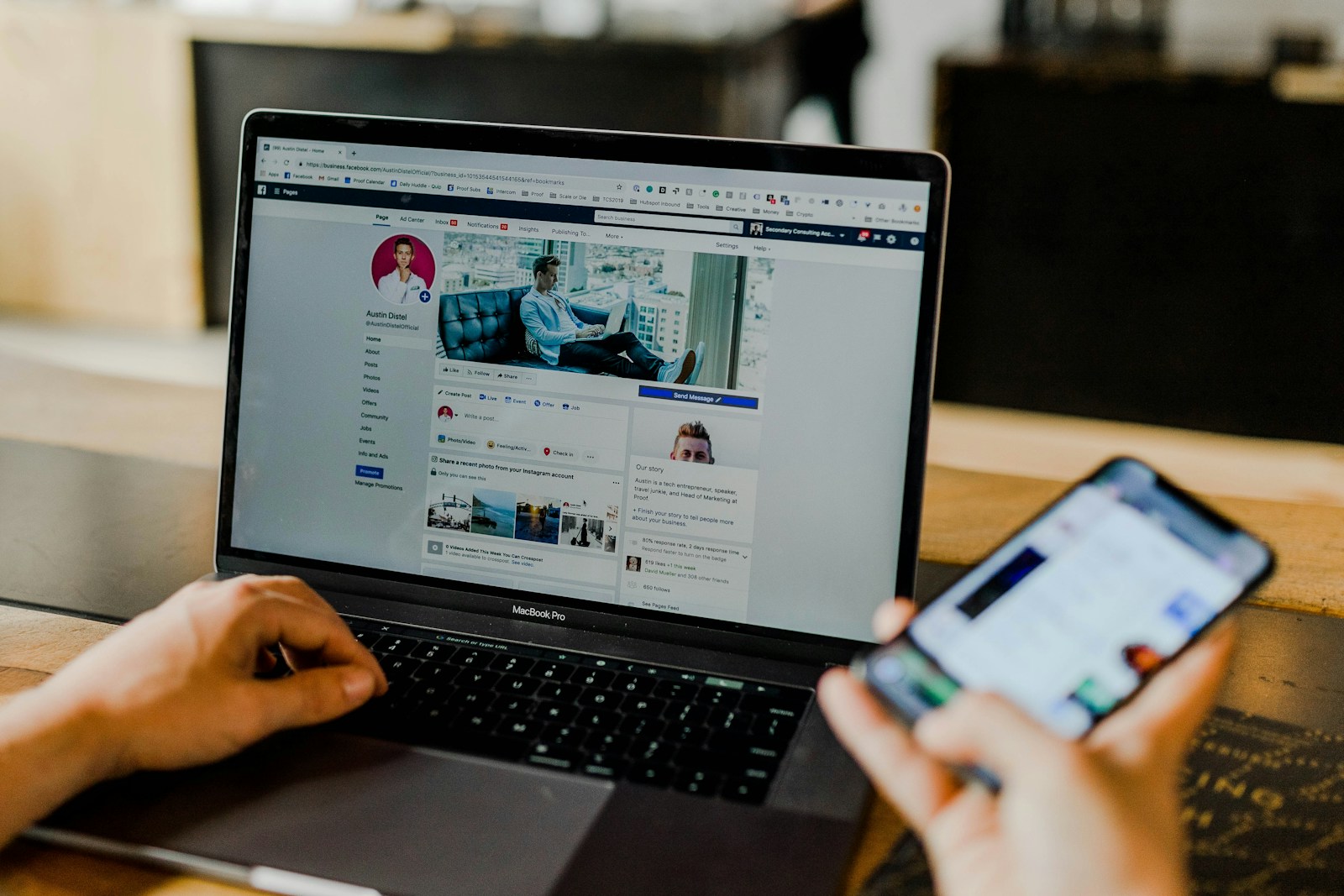
You can disconnect your Facebook Page or linked Instagram professional account from the connected-accounts section of your Varajen Ads Automation workspace. Disconnecting removes the stored access credentials from the active connection record and cancels publishing jobs awaiting review or publishing. Uploads already in progress may complete. Disconnecting does not automatically erase historical records or delete posts already published on Facebook or Instagram.
Request deletion of associated personal data
Email privacy@varajen.com with the subject Varajen Ads — Social Data Deletion. Include:
- Your Varajen account email.
- Your company or workspace name.
- The connected Facebook Page or Instagram username.
Verification and retained records
Do not include passwords or access tokens. We will verify that you are authorized to request deletion and explain any records that must be retained for legal or security purposes.
Related policies
See our Privacy Policy and Terms & Conditions.
For vendor onboarding, security questionnaires, compliance review, data processing questions, or contract review, contact the Varajen team.